

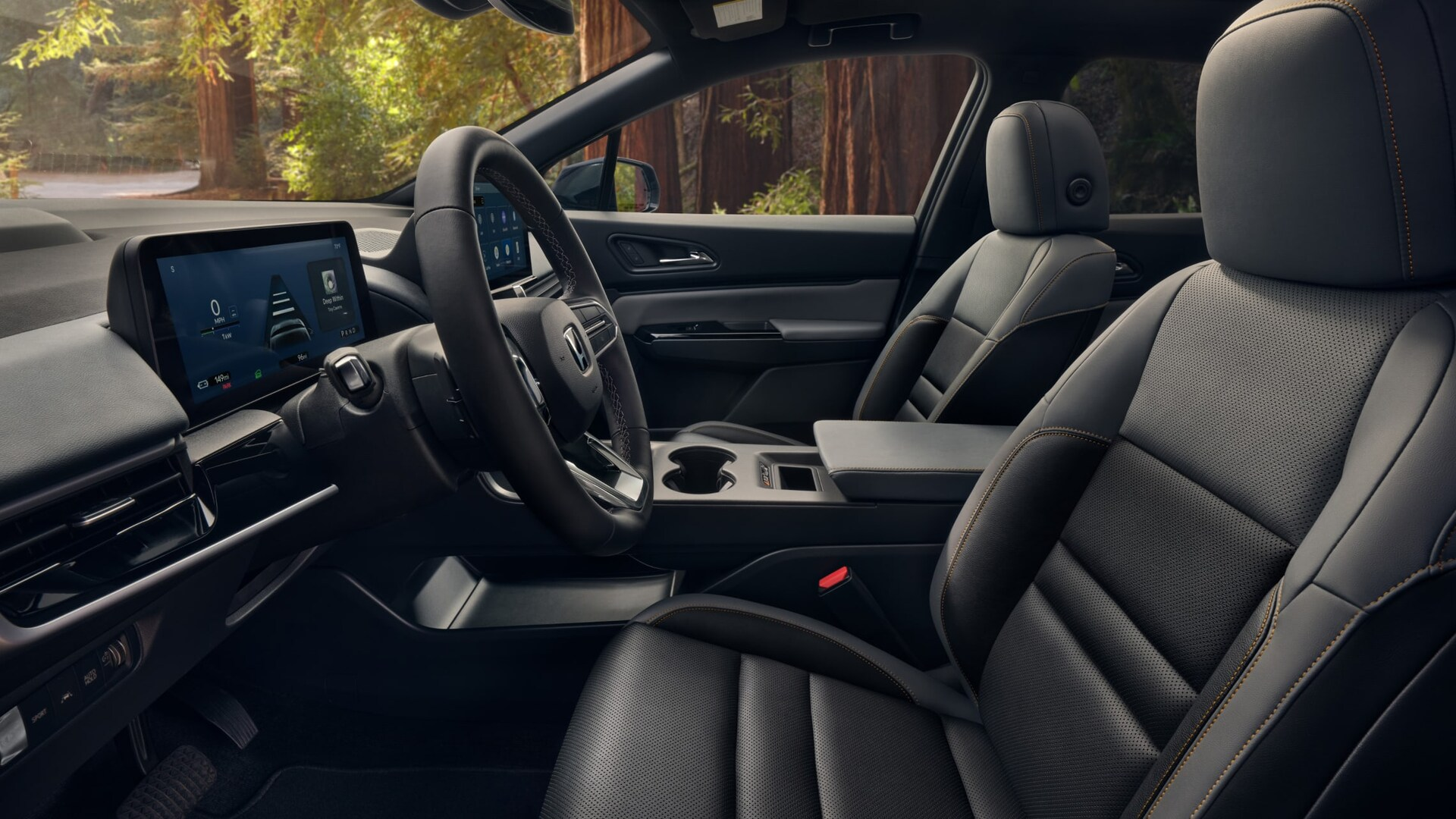
Honda understands the importance of staying connected while on the go and makes it easy to pair your phone so you can safely take calls while out and about. Our Honda dealership is excited to present the Honda Prologue and its fantastic connectivity features. Today, let’s take a look at how to pair your smartphone in the Honda Prologue.
Honda Prologue Connectivity
To pair the first phone, ensure that the vehicle is parked and the power is on. Go to your phone and make sure that it is in discovery mode. From here, go to the homescreen in your Prologue and click on the phone icon symbol. Touch “manage phones” and then “add phone”. From here you will be prompted to turn on the bluetooth on your phone and select the Honda name.
A six digit number will appear on your phone in which you will match with the code on the display and click on pair. You can pair up to ten phones. If you would like to pair other phones, simply click on settings found on the Prologue display, connections, select phones, and then follow the prompts.
Other New Honda Prologue Features
Honda Prologue also offers other great connectivity features. It is Apple CarPlay compatible so you can have easy access to your favorite iPhone features like maps, messaging, audio and more. There’s even Android Auto for your compatible Android phone.
Shop for a New Honda Prologue
The new Honda Prologue presents a new take on style, comfort and innovation. If you would like to explore the exciting features of this SUV in person, our dealership is happy to help. Contact us to learn more and for a test drive today!
*Click here to learn more!
Connect with us


- July 2026
- June 2026
- May 2026
- April 2026
- March 2026
- February 2026
- December 2025
- October 2025
- July 2025
- May 2025
- April 2025
- March 2025
- August 2024
- July 2024
- June 2024
- April 2024
- March 2024
- January 2024
- July 2023
- May 2023
- April 2023
- March 2023
- November 2022
- October 2022
- September 2022
- August 2022
- July 2022
- June 2022
- May 2022
- April 2022
- March 2022
- January 2022
- July 2021
- April 2021
- January 2021
- December 2020